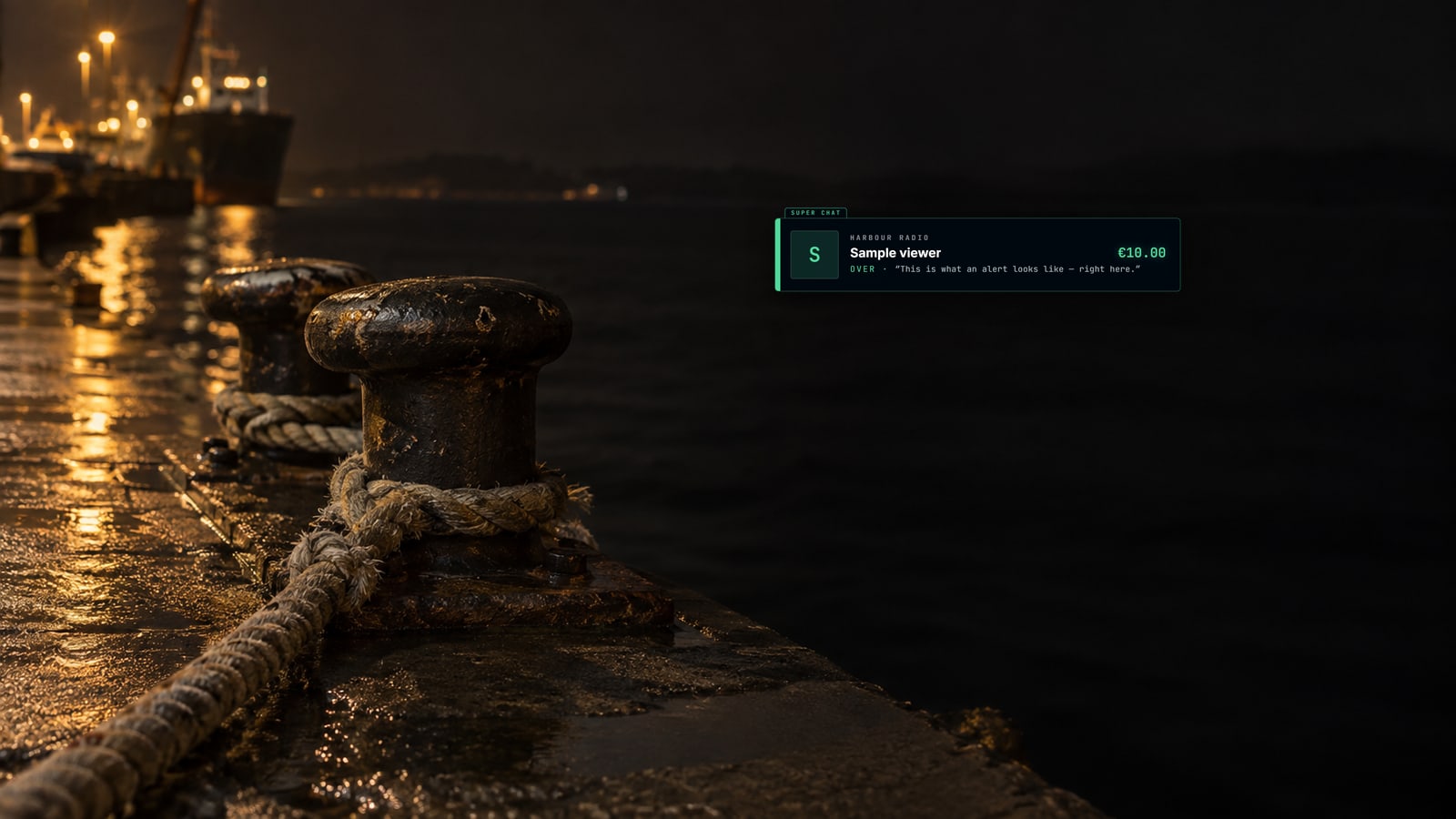
Harbour RadioPro
Navy plate with starboard edge, short ship horn.
The overlay is a real render. Background and sample data are for illustration only and are not part of the product.
Your alerts as a call on the harbour radio: navy plate with a starboard edge, the source on a tab, the message with “OVER ·” in front, plus a short ship horn.
Platforms
Events
Sound
Source
A free account is enough to sign in. The Maritime looks need Pro.
1 included look
Harbour RadioShip's hornProNavy plate with starboard edge, short ship horn.
Setup
No download, no plugin. One browser source shows every alert from both platforms in the same look.
 30 freeProTools · Widget
 FreeWeather · Widget
 FreeWeather · Widget