Aviation Live Scene
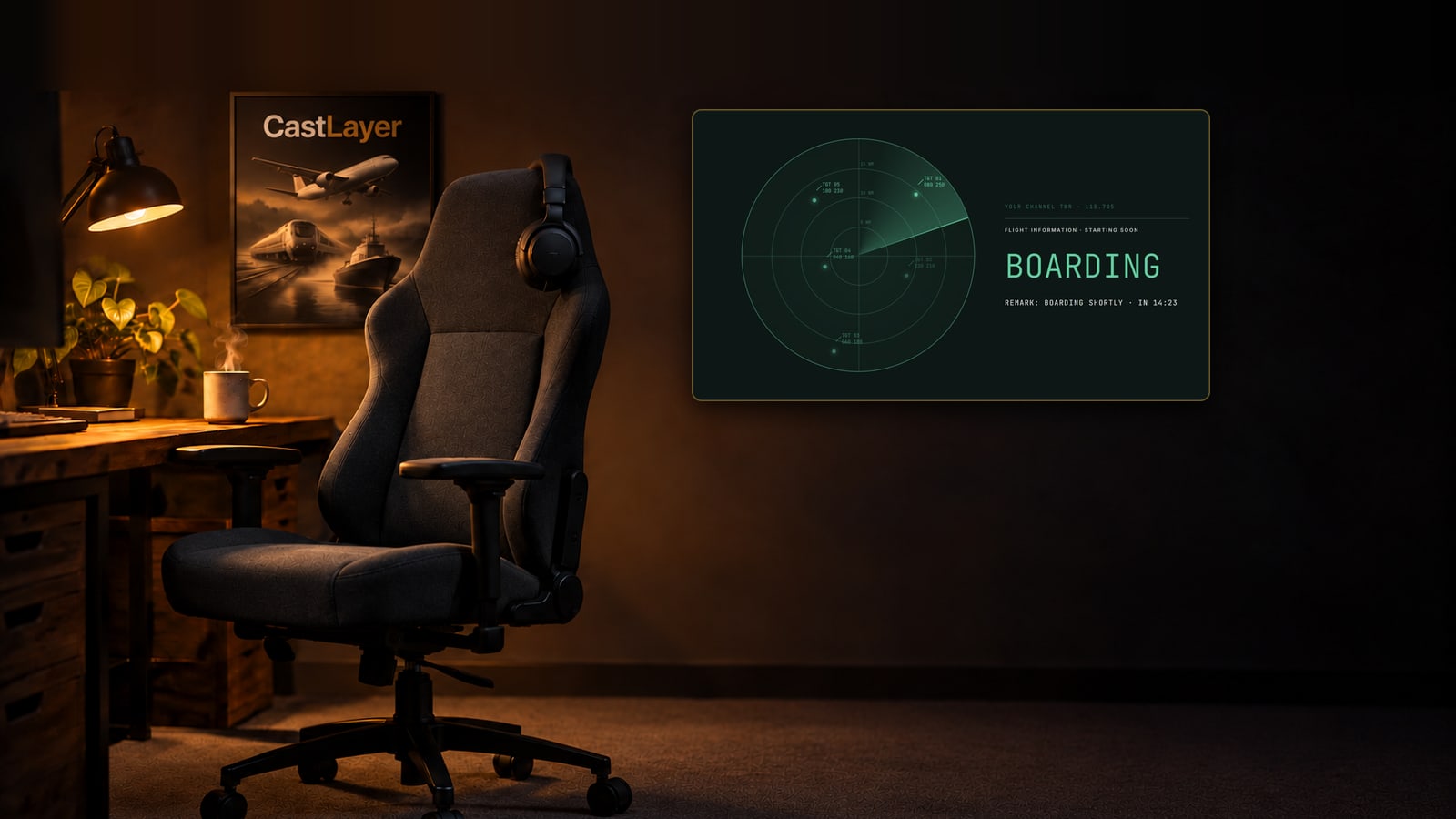
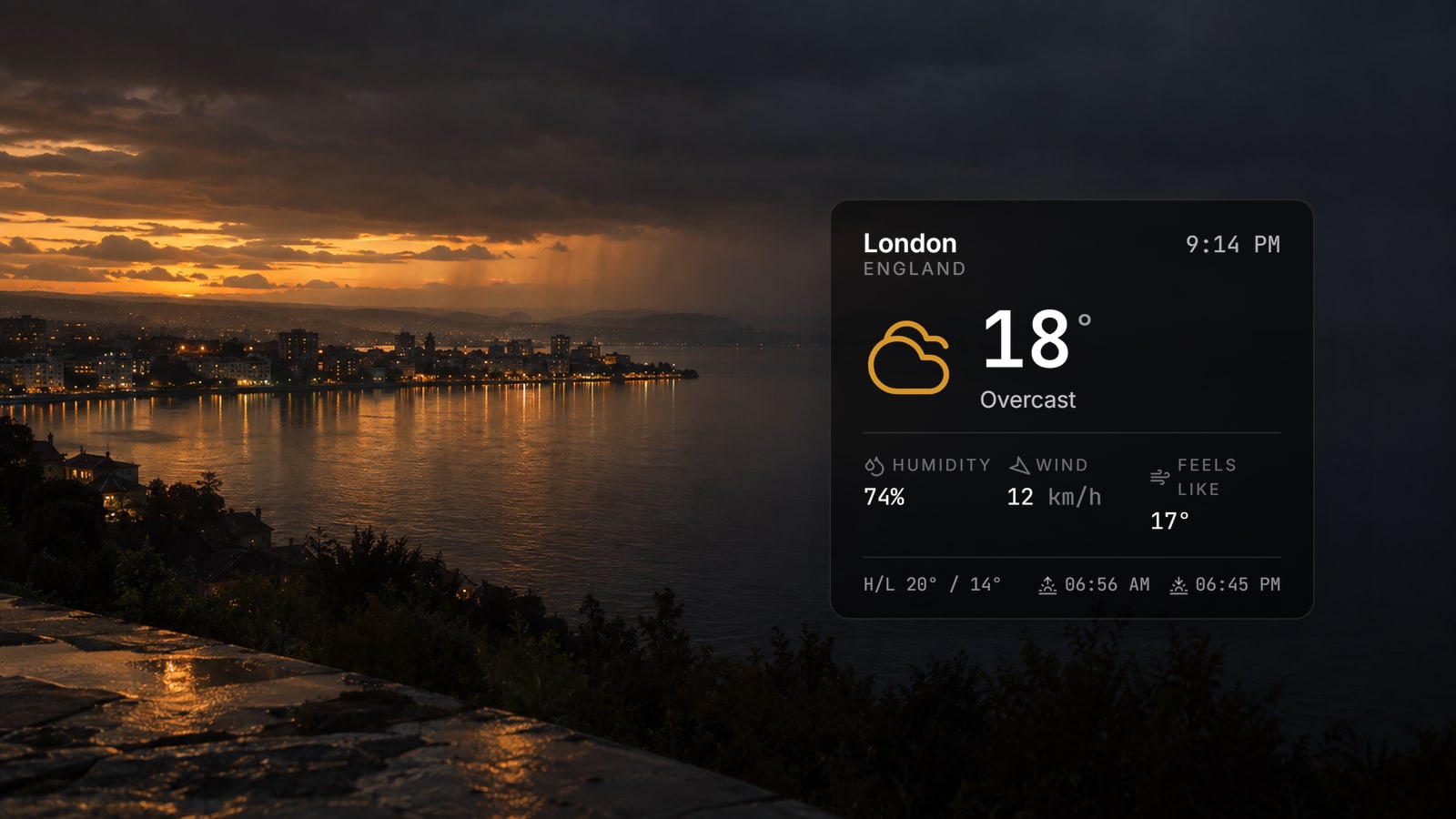
Live OBS overlay for airport streamers: real-time arrivals, departures, live weather and a focus-flight card. Data from ADSB.lol, AeroDataBox & adsbdb (airline names via OpenFlights, weather from Open-Meteo). Pro Live: a mobile mod panel — a companion pins arrival & departure live into the overlay (search, eye-catcher filter, ticker switching, embedded chat) plus a stream board & routine (curated flight categories, single cards or an automatic sequence) and a live ticker with daily records. Just paste the browser-source URL into OBS, pick an airport code, done.
- Data source
- ADSB.lol · AeroDataBox · NOAA AWC
- Updates
- 30 sweather 5 min
- Browser source
- 1920 × 1080full canvas
The real live scene, exactly as in OBS or your IRL app. Click "Start live preview" to load it.
Set up browser source
Configure your live overlay and copy the URL into OBS, Streamlabs or your mobile IRL app (e.g. Larix).
Optional – pins a flight to the focus card as soon as it shows up at the airport. The setting belongs to the scene and applies on every day that flight operates – meant for a special flight you know about in advance.
Optional – shown only in your scene list, never in the stream. It is meant for adding the same airport twice because you run two layouts: say “Camera large” with 3 rows per board and “Spotting” with 8. If you just want the same overlay in several OBS scenes, one scene is enough – the same URL can sit in as many of them as you like.
How many flights each board shows. “Auto” adapts to traffic – denser when busy, calmer otherwise. A fixed 3 to 8 keeps the board height constant.
Every setting above is baked into this URL. Change something later and you get a new URL — copy it into your browser source again, otherwise OBS keeps running the old values.
Free plan (no subscription): the CastLayer mark sits at the right end of the header, past the clock. With Pro/Pro Live your own logo goes there – upload it under Settings → Brand and it applies to all your overlays. With no logo set, the spot stays empty.
Without signing in, the preview fetches no live data of its own: it only shows what someone else is already pulling for this airport, otherwise it stays empty and reads “Data delayed”. Sign in for free and your OBS URL gets a personal key, so the scene fetches its flight data itself.
Images
What it looks like
Examples from a stream. Your real preview is above.
What the live scene does in each plan
| Feature | Free | Pro | Pro Live |
|---|---|---|---|
| Real-time departures & arrivals | |||
| Own live flight data per day | 60 minutes | No limit | No limit |
| One airport live at a time per account | |||
| Live weather with sunrise & sunset | |||
| Focus-flight card for any flight you pick | |||
| Logo slot | castlayer.de mark | Your logo | Your logo |
| Airline logos in the focus bandOnly for airlines that have given us written permission | — | ||
| Saved widget scenesConfigurations in the dashboard – nobody counts running browser sources | 2 | 6 | unlimited |
| Custom themingYour brand color & font | — | ||
| Mod panelA companion pins arrivals & departures live into the overlay — with search, eye-catcher filter & embedded Twitch/YouTube chat | — | — | |
| Taxiway in the mod panelYour mod sees which taxiway the aircraft is on right now – at selected airports | — | — | |
| Eye-catcher boards in the centerHeavy, Super, special liveries, 4-engine, vintage & brand new | — | — | |
| PlaylistYour mod builds a board sequence that auto-rotates through the center (heavies, top airlines, daily statistics …) | — | — | |
| Auto-boardNo mod needed — the center rotates through its filled eye-catcher categories, optionally only true rarities (A380/747 & special liveries) | — | — | |
| Stats cardsSeven daily statistics — top airlines, longest hauls, top destinations, aircraft types, range, oldest & youngest and the day's one-off visitor | — | — | |
| Highlights: just happenedRejected take-off, go-around, touch-and-go, runway change, parallel approach, emergency squawk & daily records | — | — | |
| Highlights: coming upIncoming heavy/super, military, returning flights & optionally bizjets | — | — | |
| Auto emergency focusConfirmed emergency squawks (7700/7600) automatically pull the focus card — sober & factual, opt out anytime | — | — |
Setup
In your stream in three steps
- 01Set it upPick a place, airport or style above – the preview shows the result.
- 02Add the URL to OBSCopy the address and add it to OBS as a browser source covering the whole scene (1920 × 1080).
- 03Manage in the dashboardSaved widgets live under “Widgets” in your dashboard, where you can change the settings later.