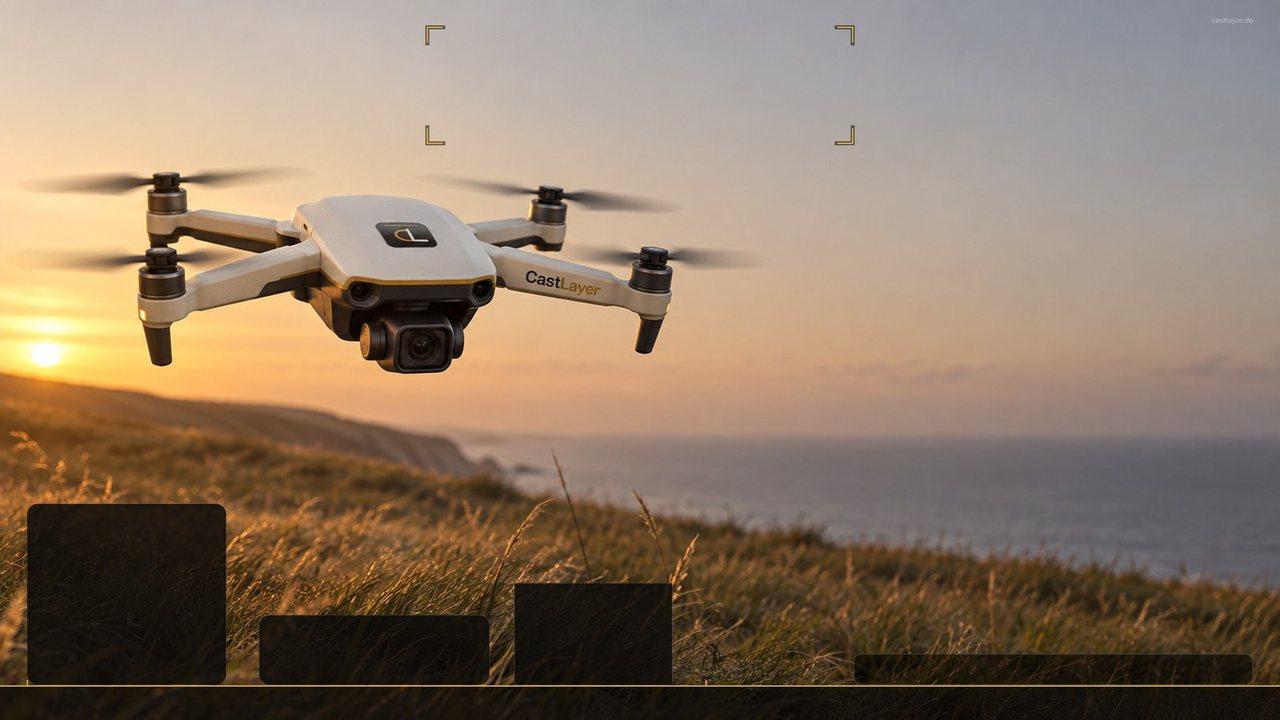
Setting up the IRL frames in OBS
Both frames are PNGs with transparency in the same look. The camera stays clear, a slim base with a gold edge runs along the bottom, and your CastLayer widgets stand on it. Your dashboard shows the height on each widget as 'Recommended source size'; the same numbers are in the guide inside the ZIP.
Horizontal (1920 × 1080)
- 1
The order in 'Sources' is the stacking in the picture: the top of the list is in front. Widgets, text and alerts go ABOVE the frame, the camera BELOW it.
- 2
Image source 'IRL frame' with irl-frame-horizontal.png from the overlays/ folder, position 0 / 0, full size. The camera at the bottom, 1920 × 1080 – the base covers the bottom 52 pixels.
- 3
Weather at X 28, clock at X 376, each Y = 1040 − height. The height depends on your settings (region line, date, card footer). Example with a region line, no date: with Pro Y 731 (weather, 309 tall) and Y 910 (clock digital, 130 tall), without Pro Y 708 and Y 887.
- 4
Text field on the base, right: X 1280, Y 980, 600 × 48 – such as place, destination of the day or socials. The alert zone top center is 640 × 176 at X 640, Y 40: CastLayer alerts in card size 'Large' fit exactly if you keep the browser source at 1920 × 1080 and move it to X 0, Y −800.
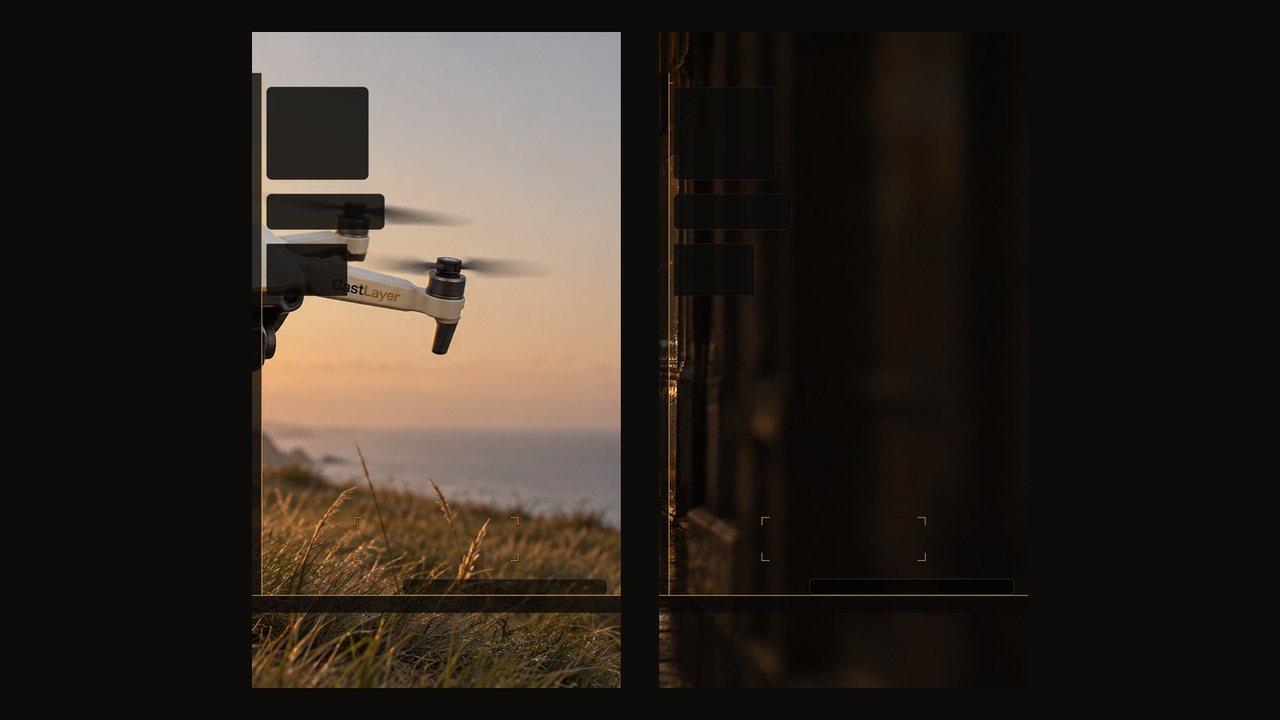
Vertical (1080 × 1920)
- 1
Set the canvas to 1080 × 1920 (Settings → Video). Image source with irl-frame-vertical.png, position 0 / 0, full size, the camera at the bottom. The top 120 and bottom 220 pixels stay clear – that is where TikTok and Shorts put their interface.
- 2
Widgets one below the other along the edge: weather X 30, Y 148 – clock digital X 30, Y = weather Y + weather height + 16. The heights are in your dashboard, which leaves 40 pixels of space between two cards. Example with a region line, no date: weather 309 tall, clock Y 473.
- 3
Text field on the base: X 440, Y 1600, 600 × 48. The alert zone above it is 480 × 128 at X 300, Y 1420 – the right fit for card size 'Standard' if you keep the browser source at 1080 × 1920 and move it to X 0, Y −308.